

AI tools have moved far beyond simple chatbots. In 2026, there’s a dedicated AI solution for nearly every task — writing, coding, video editing, research, scheduling, and even automating entire workflows. With so many options flooding the market, picking the right one can feel overwhelming.
To make things easier, we’ve put together this practical, no-fluff guide to the best AI tools in 2026, organized by category, so you can quickly find what fits your needs.
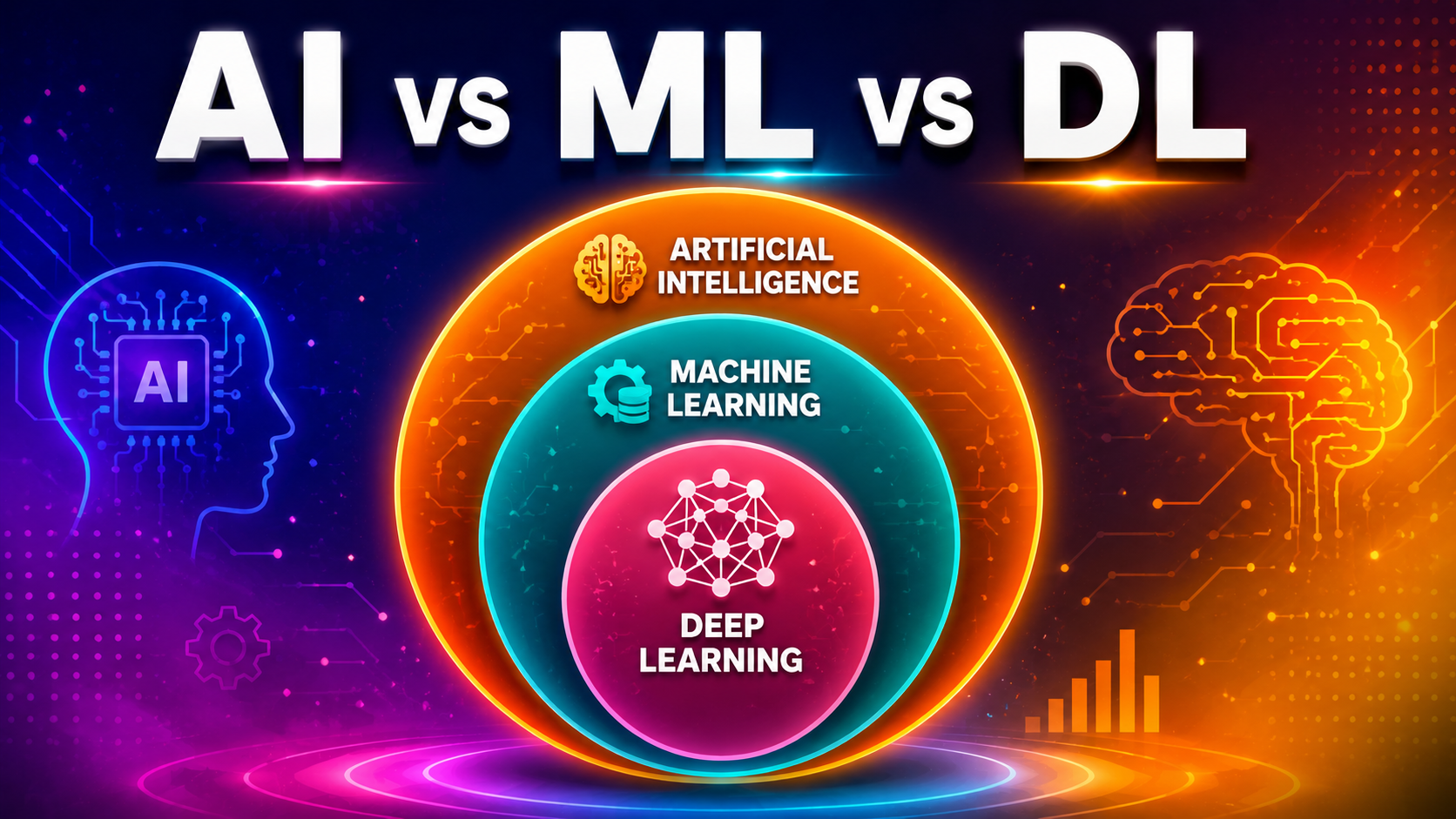
If you’re new to AI concepts, it also helps to first understand what Artificial Intelligence is and the different types of AI before diving into specific tools — it’ll help you understand why these tools work the way they do.
How We Categorized These Tools
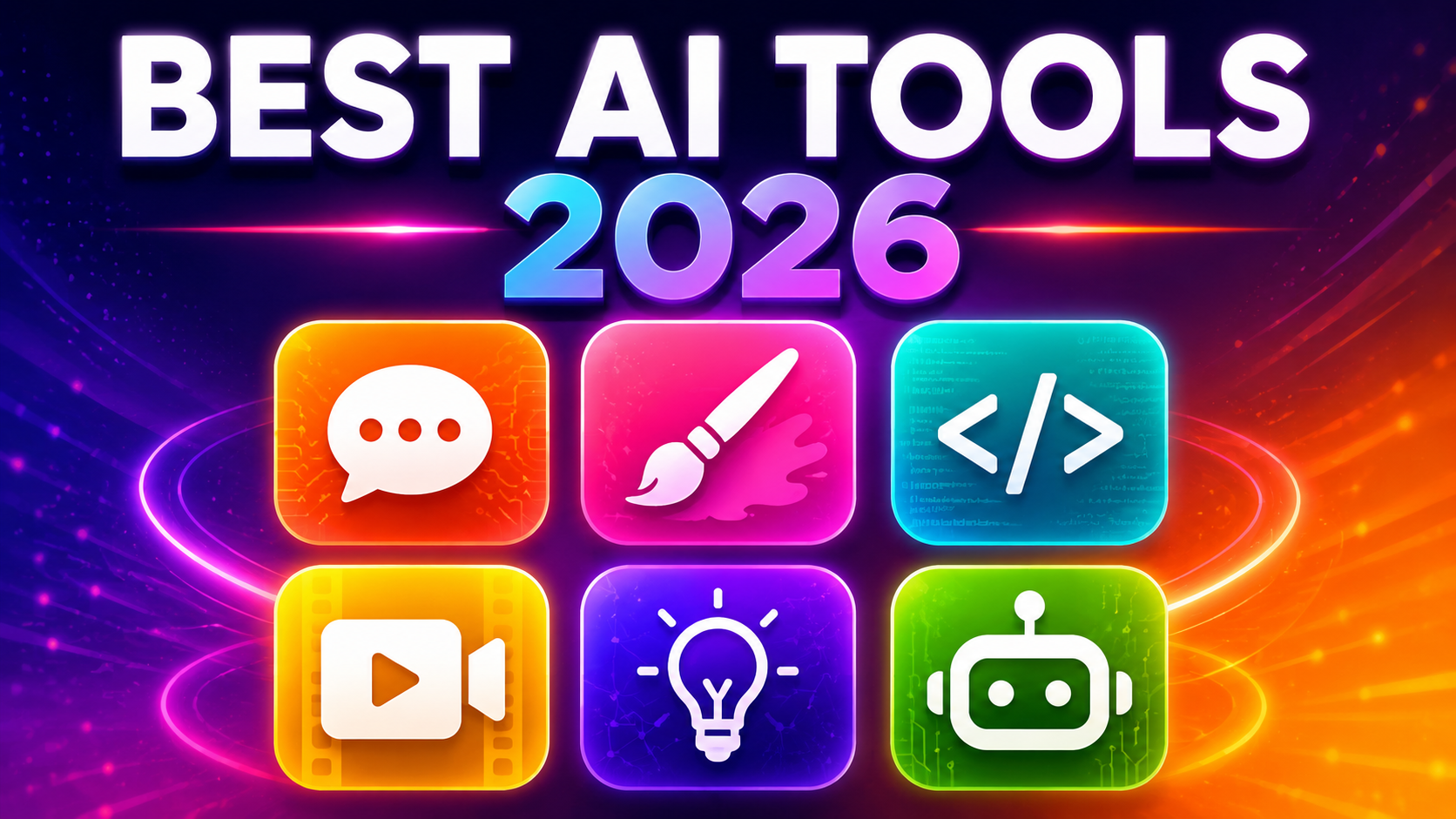
Instead of a single ranked list, we’ve grouped tools by what you’re actually trying to accomplish:
- Writing & Conversation
- Coding & Development
- Image & Video Generation
- Research & Learning
- Productivity & Automation
- Design & Presentations
Let’s go through each category.
1. Best AI Tools for Writing & Conversation
These are general-purpose AI assistants ideal for brainstorming, writing, editing, and everyday conversations.
| Tool | Best For | Notable Feature |
|---|---|---|
| ChatGPT | All-round versatility | Handles text, images, voice, and research in one place |
| Claude | Long-form writing & reasoning | Known for thoughtful, less robotic responses |
| Gemini | Google Workspace users | Deep integration with Gmail, Docs, and Sheets |
| Grammarly | Writing feedback | Real-time grammar and tone correction |
Practical Example: If you’re drafting a blog post, you might use Claude or ChatGPT to generate the first draft, then run it through Grammarly for polish and tone consistency — similar to how we structured our guide on how ChatGPT works.
2. Best AI Tools for Coding & Development
- Cursor – An AI-native code editor built for pair-programming with AI, popular among developers for speeding up debugging and refactoring.
- GitHub Copilot – Offers real-time code suggestions directly inside popular code editors.
- Claude (for coding tasks) – Frequently used for following complex, multi-step coding instructions accurately.
Practical Example: A developer building a web app might use Cursor for real-time code completion while asking Claude to review logic and suggest optimizations for a specific function.
3. Best AI Tools for Image & Video Generation
- Kling AI – Known for realistic motion and consistent character detail across video scenes.
- Synthesia – Converts scripts into polished videos using AI avatars, useful for training or marketing videos.
- Runway – A favorite among creators for AI-powered video editing and effects.
Practical Example: A small business could use Synthesia to turn a product description into a professional explainer video without hiring a video production team.
4. Best AI Tools for Research & Learning
- Perplexity – Delivers research answers with cited sources, making it useful for fact-checking.
- NotebookLM – Lets you upload your own documents and creates a focused AI assistant that only answers based on those sources.
Practical Example: A student researching a thesis topic could upload research papers into NotebookLM and ask it to summarize key arguments or generate a study guide.
5. Best AI Tools for Productivity & Automation
- Notion AI – Built directly into Notion for summarizing notes, drafting content, and organizing information.
- Zapier – Connects different apps and automates repetitive workflows using AI-powered triggers.
- Lindy – Allows you to build custom AI agents that handle tasks like email follow-ups or CRM updates.
- Granola / Fireflies.ai – AI note-takers that automatically structure meeting notes in real time.
Practical Example: A sales team could use Granola to auto-generate meeting notes, then use Zapier to automatically log key details into their CRM — cutting manual admin work significantly.
6. Best AI Tools for Design & Presentations
- Canva (AI features) – Generates design layouts, graphics, and social media content quickly.
- Gamma – Turns rough notes or outlines into polished presentation slides using AI.
Practical Example: Instead of manually building a pitch deck, you could type a rough outline into Gamma and get a designed presentation ready for editing within minutes.
Free vs Paid AI Tools: What to Know
Most major AI tools now offer a free tier with usage limits, alongside paid plans for higher limits and advanced features.
- Free tiers are great for casual or occasional use, and often enough for students or beginners.
- Paid plans typically unlock higher usage limits, faster response times, and access to the most advanced models.
Before subscribing to any paid tool, it’s worth testing the free version first to see if it fits your workflow.
How to Choose the Right AI Tool
Ask yourself these questions before picking a tool:
- What’s my main task? (writing, coding, video, research, automation)
- Do I need it integrated with tools I already use? (like Google Workspace or Slack)
- Is a free tier enough, or do I need advanced features?
- Do I need something general-purpose, or highly specialized?
There’s no single “best” AI tool for everyone — the right choice depends entirely on what you’re trying to accomplish.
Final Thoughts
The AI tools landscape in 2026 is more diverse and capable than ever, covering everything from writing and coding to video creation and workflow automation. Rather than chasing every new tool that launches, focus on the ones that solve a real problem in your daily work. Start with one or two from this list, get comfortable with them, and expand from there as your needs grow.
Frequently Asked Questions (FAQs)
Q1: What is the best AI tool overall in 2026? ChatGPT remains one of the most versatile all-purpose AI tools, while Claude is often preferred for long-form writing and detailed reasoning tasks.
Q2: Are AI tools free to use? Many AI tools, including ChatGPT, Claude, and Gemini, offer free tiers with usage limits, while paid plans unlock higher limits and advanced features.
Q3: Which AI tool is best for coding? Cursor and GitHub Copilot are among the most popular AI tools for developers, offering real-time code suggestions and debugging support.
Q4: What’s the best AI tool for research? Perplexity is widely used for research because it provides cited sources, while NotebookLM is useful for working with your own uploaded documents.
Q5: Can AI tools replace human creativity? AI tools are best used as assistants that speed up tasks like drafting, editing, or organizing — human judgment and creativity are still essential for quality results.