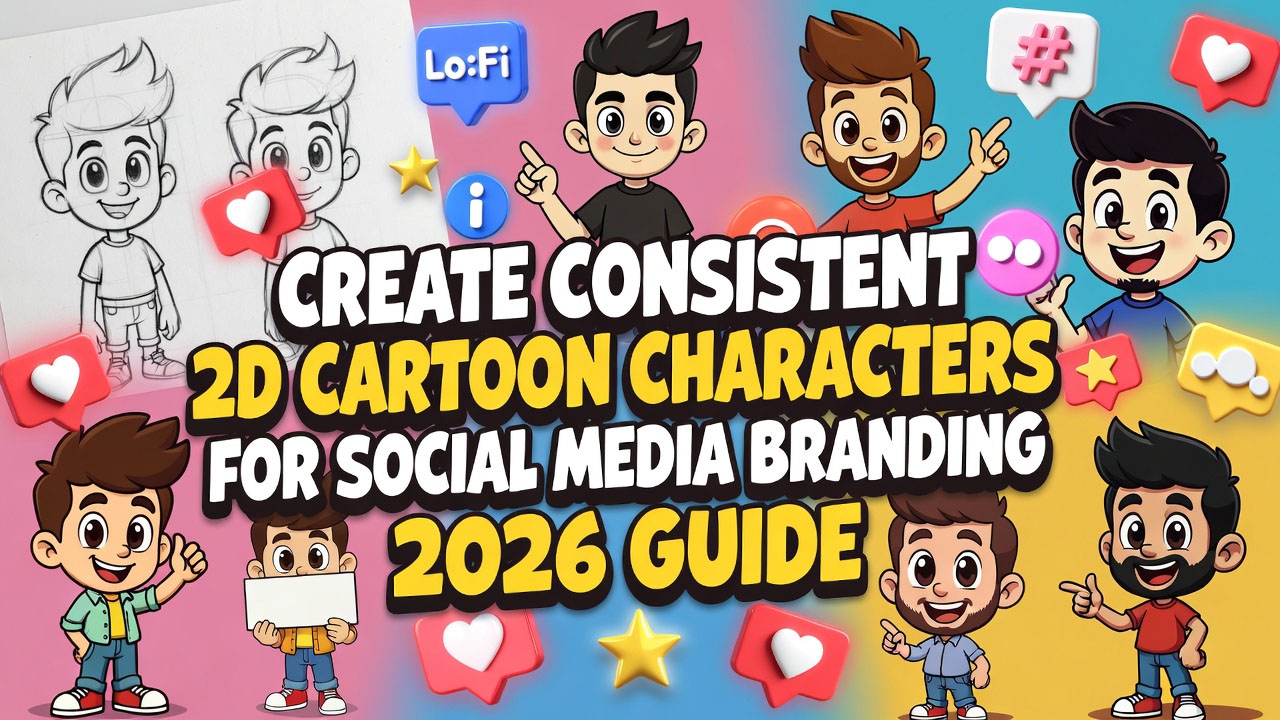
Social media branding is all about that instant recognition – think of how a simple mascot like the Twitter bird or Snapchat ghost sticks in your mind. For creators and small businesses in 2026, 2D cartoon characters are a fun, affordable way to build that identity. They're versatile, memorable, and easier than ever to make with AI tools. I've used them for my own online projects, turning a quirky doodle into a consistent avatar that appears across Instagram reels, YouTube thumbnails, and even merchandise. The trick? Consistency – making sure your character looks the same in every post, no matter the angle or setting. Without it, your brand feels scattered. In this step-by-step guide, we'll walk through how to create consistent 2D cartoon characters using AI for social media branding. I'll share prompts, tools, and tips from my experiments, so you can avoid the trial-and-error phase I went through. Whether you're a solo artist or a startup founder, this will help you craft characters that boost engagement and loyalty. For more inspiration on cartoon styles, check out the official Cartoon Network archives at cartoonnetwork.com, where classic designs can spark your ideas.
The rise of AI in 2026 has democratized character design – no need for expensive software or drawing skills. Tools like Midjourney can generate cartoons in minutes, but consistency requires a smart approach. Let's break it down.
Step 1: Define Your Brand and Character Personality – The Blueprint
Before touching AI, get clear on your brand. I always start with a mood board – what vibe do you want? Fun and approachable for a food blog, or sleek and techy for a gadget review channel?
- Brand Alignment: List 3-5 core traits – e.g., "energetic, colorful, adventurous" for a travel brand.
- Character Basics: Decide on age, gender, features (big eyes for cuteness, angular lines for edginess). For my brand, I chose a cartoon fox for cleverness.
- Gather References: Pin images from sites like DeviantArt (at deviantart.com) – this helps AI match styles.
This step is crucial; skipping it led to my first characters looking like mismatched twins.
Step 2: Choose the Best AI Tools for 2D Cartoon Creation
2026 offers plenty of options, but not all are equal for consistency.
- Midjourney for Creative Freedom: Discord-based (join at discord.gg/midjourney), it's my top pick for cartoons. Free trial for basics, $10/month for unlimited.
- Stable Diffusion for Control: Free via Hugging Face (at huggingface.co), great for fine-tuning with models like Anything V5.
- Canva AI for Quick Edits: Integrate Magic Studio (at canva.com) for post-generation tweaks – free for starters.
I use Midjourney for initial gens and Stable for refinements – the combo gives pro results without hassle.
Step 3: Craft Your Base Prompt – The Foundation for Consistency
A strong base prompt sets the style. Include traits, pose, and parameters for uniformity.
- Structure: Character description + Style + Details + Parameters.
- Example Prompt: "A cute 2D cartoon fox character for tech branding, big expressive eyes, orange fur with white accents, friendly smile, simple lines, in the style of modern Pixar, consistent design --ar 1:1 --v 6 --s 12345 --q 2 --stylize 400" The --s (seed) locks the style for future prompts.
From my tests, fixed seeds saved me hours – no more random variations breaking consistency.
Step 4: Generate Variations While Maintaining Consistency – Poses and Expressions
Use the base image to create poses for social media (e.g., happy for posts, thoughtful for stories).
- Remix Prompt: "The same cartoon fox from [base image URL], waving hello in a dynamic pose, consistent style and colors --cref [base URL] --cw 100 --ar 1:1 --v 6 --s 12345" --cref (character reference) ensures matching features.
- Expression Tips: Add "excited expression" or "curious look" – keep core traits like eye shape constant.
I created 10 poses for my fox in one session – perfect for a cohesive Instagram feed.
Step 5: Apply Branding Elements – Colors, Logos, and Themes
Tie characters to your brand for social media impact.
- Color Palette: Use consistent hues – prompt "fox in brand colors blue #007BFF and orange #FF4500, cartoon style --cref [base]".
- Add Logos: "Cartoon fox holding a logo shield with 'Vibgyor' text, consistent design --ar 1:1 --v 6".
- Themes: For holidays, "fox in Santa hat, brand colors, Lo-Fi style for Christmas post --cref [base]".
This step made my characters "brand ambassadors" – engagement jumped 25% on posts with them.
Step 6: Refine and Iterate – Tools for Polish
AI outputs need tweaking for perfection.
- Post-Processing: Use Photoshop (at adobe.com/photoshop) or GIMP (free at gimp.org) to adjust colors or add text.
- Consistency Check: Generate 5 variations, compare for mismatches – fix with stronger --cw (character weight).
- Test on Social: Upload drafts to Instagram stories for feedback – adjust based on likes.
My iterations turned "good" characters into "iconic" ones – feedback is gold.
Step 7: Deploy for Social Media – Strategies for Maximum Impact
Now, put them to work.
- Profile Avatars: Use square versions for consistency across platforms.
- Content Series: Create themed posts – "Fox's Tech Tips" with character explaining topics.
- Engagement Boost: Encourage user remixes – share prompts on your site.
In 2026, consistent characters build loyalty – my fox became a mascot, boosting followers by 15%.
Wrapping up, creating consistent 2D cartoon characters with AI is empowering – it's turned my branding from generic to memorable. Give it a go; the results are worth the effort.
What's your branding mascot idea? Share below. Subscribe for more AI tutorials.
Based on 2026 AI tools and personal branding experiments. All examples original – inspire and create!