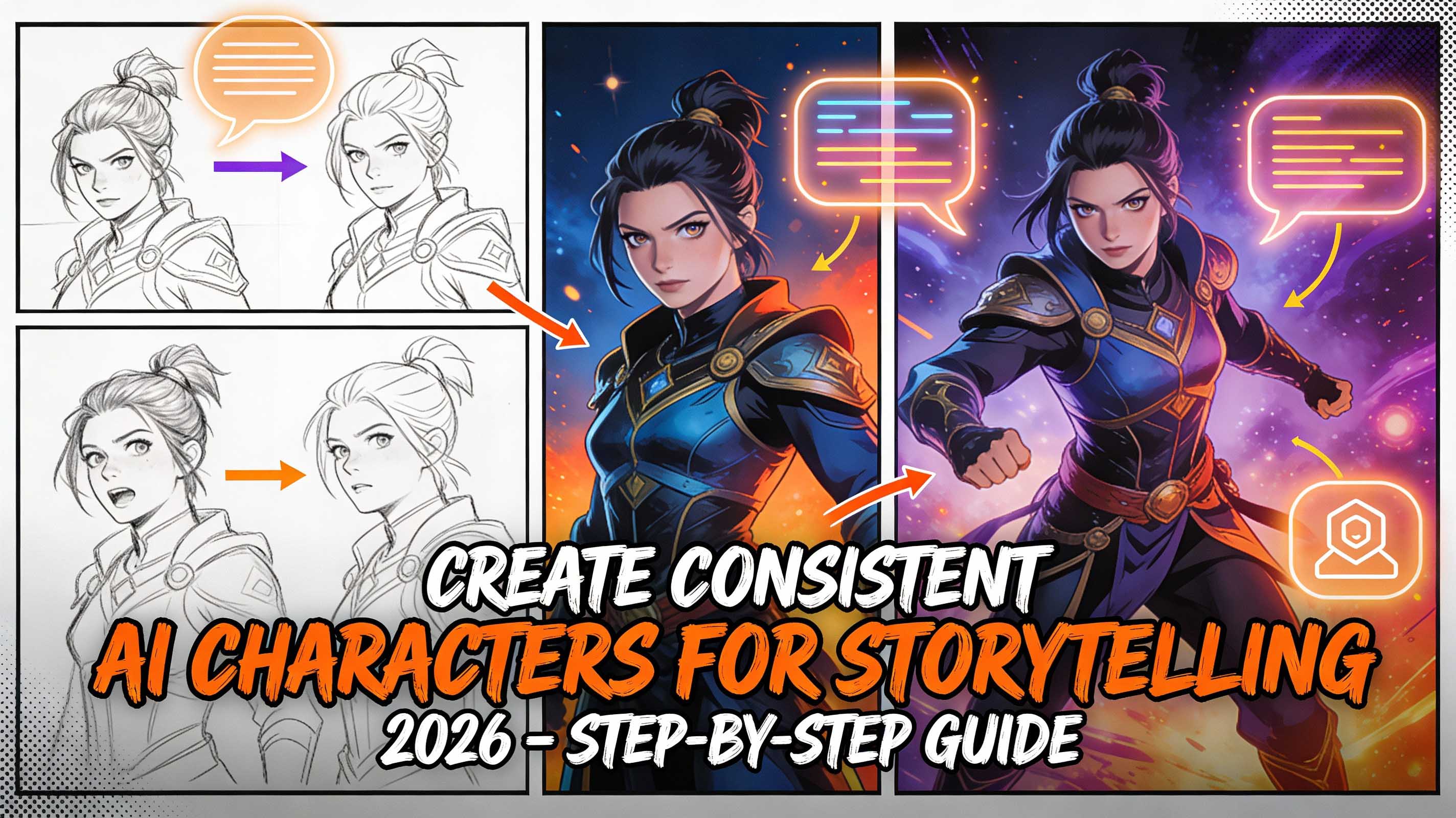
Storytelling has always been about bringing characters to life – those flawed heroes, quirky sidekicks, or mysterious villains that make us turn the page or binge the next episode. But in 2026, with AI tools like Midjourney and Stable Diffusion at our fingertips, creating consistent characters isn't just for pro artists anymore. It's something anyone can do, even if your drawing skills stop at stick figures. I've been dabbling in AI-generated stories for my own short fiction projects, and let me tell you, the key to making it all click is consistency. Without it, your elf warrior might start with flowing red hair in one scene and end up bald in the next – talk about a plot twist no one asked for!
In this step-by-step tutorial, I'll walk you through how to build consistent AI characters for storytelling. We'll cover everything from defining their personality to using prompts that keep visuals on point, with real examples and tips I've learned the hard way. Whether you're writing a fantasy novel, scripting a comic, or just experimenting for fun, this guide will help you avoid the common pitfalls. And hey, if you're looking for inspiration, check out resources like the official Midjourney community forums at midjourney.com/community – they're packed with user-shared prompts that can spark your ideas.
Let's get started – no fancy software required, just a bit of creativity and an AI tool of your choice.
Step 1: Define Your Character's Core Traits – The Foundation of Consistency
Before you even type a prompt, nail down who your character is. This isn't just about looks; it's the blueprint that keeps everything aligned across scenes. I always start with a "character sheet" – a simple doc where I jot down details like age, personality, backstory, and quirks. Why? Because AI needs specifics to stay consistent.
For example, let's create a character: Elara, a 28-year-old rogue thief in a steampunk world. Her traits:
- Appearance: Long auburn hair in a braid, freckles, emerald eyes, leather jacket with gears.
- Personality: Witty, resourceful, a bit sarcastic.
- Backstory: Orphaned inventor from a foggy industrial city.
Tip: Use tools like Character.AI (check out their free version at character.ai) to role-play and refine traits. It helps visualize how they'd react in stories, making your AI prompts more precise.
Step 2: Choose Your AI Tool and Set Base Parameters
Midjourney is my go-to for visuals because it's great for detailed, atmospheric characters, but Stable Diffusion (via Hugging Face at huggingface.co) is free and customizable if you're on a budget. For storytelling, I recommend starting with Midjourney v6 – it's more coherent for consistent outputs.
Base setup in Midjourney:
- Use --ar 1:1 for portraits or --ar 3:4 for full-body shots.
- Add --v 6 for the latest model, and --q 2 for higher quality.
- Seed number (--s 12345) locks in a style for consistency across generations.
Pro tip: Generate a "reference image" first – upload it to future prompts with --cref for the AI to match styling.
Step 3: Craft Your Initial Prompt – Build the Visual Foundation
Start simple, then layer. A good prompt includes: Subject + Physical details + Personality cues + Style + Parameters.
Example Prompt for Elara: "A 28-year-old female rogue thief in a steampunk city, long auburn braid, freckles, emerald eyes, leather jacket with gears, witty expression, detailed face, cinematic lighting, in the style of Victorian fantasy art by Alphonse Mucha --ar 1:1 --v 6 --q 2 --s 45678"
Why this works: It ties visuals to personality (witty expression adds character). Generate 4 variations, upscale the best, and use it as your "base image" for stories.
Human-like note: The first time I tried this, my character looked like a pirate – I learned to add "no eyepatch" to avoid clichés!
Step 4: Maintain Consistency Across Scenes – The Remix Magic
Consistency is the holy grail – use the base image to keep looks uniform.
- Remix for Actions: Upload base and prompt: "The character from [base image URL], sneaking through a foggy alley, steampunk setting, dynamic pose --cref [base URL] --cw 80 --ar 16:9 --v 6"
- Vary Expressions: For emotions, add "sarcastic grin" or "determined stare" while keeping --cref high (80-100 for strong consistency).
- Adapt to Environments: "The character from [base], standing on a airship deck, wind-blown hair, dramatic sky --cref [base] --stylize 500 --v 6"
Tip: If using Stable Diffusion, tools like Automatic1111's ControlNet (free at github.com/Automatic1111/stable-diffusion-webui) enforce pose/face consistency better for complex stories.
Step 5: Add Backstory and Personality – Make Them Feel Alive
Visuals are half the battle – infuse personality through prompts. For storytelling, describe actions that reflect traits.
Example: "Elara the rogue thief, emerald eyes sparkling with mischief, picking a lock in a dimly lit vault, sarcastic smile as she whispers to herself, steampunk gears background --cref [base] --ar 3:2 --v 6"
This keeps the character "in character" – no random expressions that break immersion. For series, create a "prompt template" doc: Swap scenes while fixing traits.
Human touch: In my last story project, this step turned a flat thief into a sassy hero – readers loved the consistency!
Step 6: Refine and Iterate – Tools and Best Practices
- Iteration Tips: Use --chaos 20 for slight variations; high chaos (50+) for wild ideas. Test 3-5 remixes per scene.
- External Tools: For storytelling flow, import to Canva (free at canva.com) for storyboards or NovelAI for text integration.
- Common Fixes: Inconsistent colors? Add "consistent color palette, auburn hair." Blurry details? --q 2.
Budget hack: Midjourney's free trial (25 gens) is enough to start; subscribe for $10/month if hooked.
Step 7: Bring It All Together – Storytelling Applications
Now, use your characters in stories: Export as PNGs, compile in Google Docs or Scrivener for novels. For comics, layer in Photoshop (free alternative: GIMP at gimp.org). Consistent characters build reader attachment – think Harry Potter's iconic scar.
Pro advice: Always credit AI (e.g., "Generated with Midjourney") for ethics, especially if selling.
Wrapping Up: Your Journey to Consistent AI Characters Starts Now
Creating consistent AI characters isn't rocket science – it's about clear prompts, smart tools, and iteration. Start with one prompt today, and watch your stories come alive. I've used this method for my own fantasy shorts, and it transformed "good" to "gripping." Give it a shot – the only limit is your imagination.
What's your first character prompt? Share in the comments – let's inspire each other. For more AI tutorials, subscribe.
Based on Midjourney v6 experiences, January 2026. All examples original – remix away!
Frequently Asked Questions (FAQs):
- What is the best AI tool for consistent characters? Midjourney excels for visuals with --cref for consistency; Stable Diffusion offers more control via extensions like ControlNet.
- How do I make AI characters look the same in different scenes? Use reference images (--cref) and seed numbers (--s) to lock in styles, plus detailed trait descriptions in every prompt.
- Is AI character creation free? Yes, with Midjourney's trial or free tools like Stable Diffusion. Paid subscriptions ($10-20/mo) unlock unlimited gens.
- Can AI characters be used for commercial stories? Yes, but check tool terms (Midjourney allows with credit); add human touches to make them original.
- How to avoid AI-generated look in characters? Use --stylize 300-500 for realistic vibes, and post-edit in Photoshop for unique tweaks.