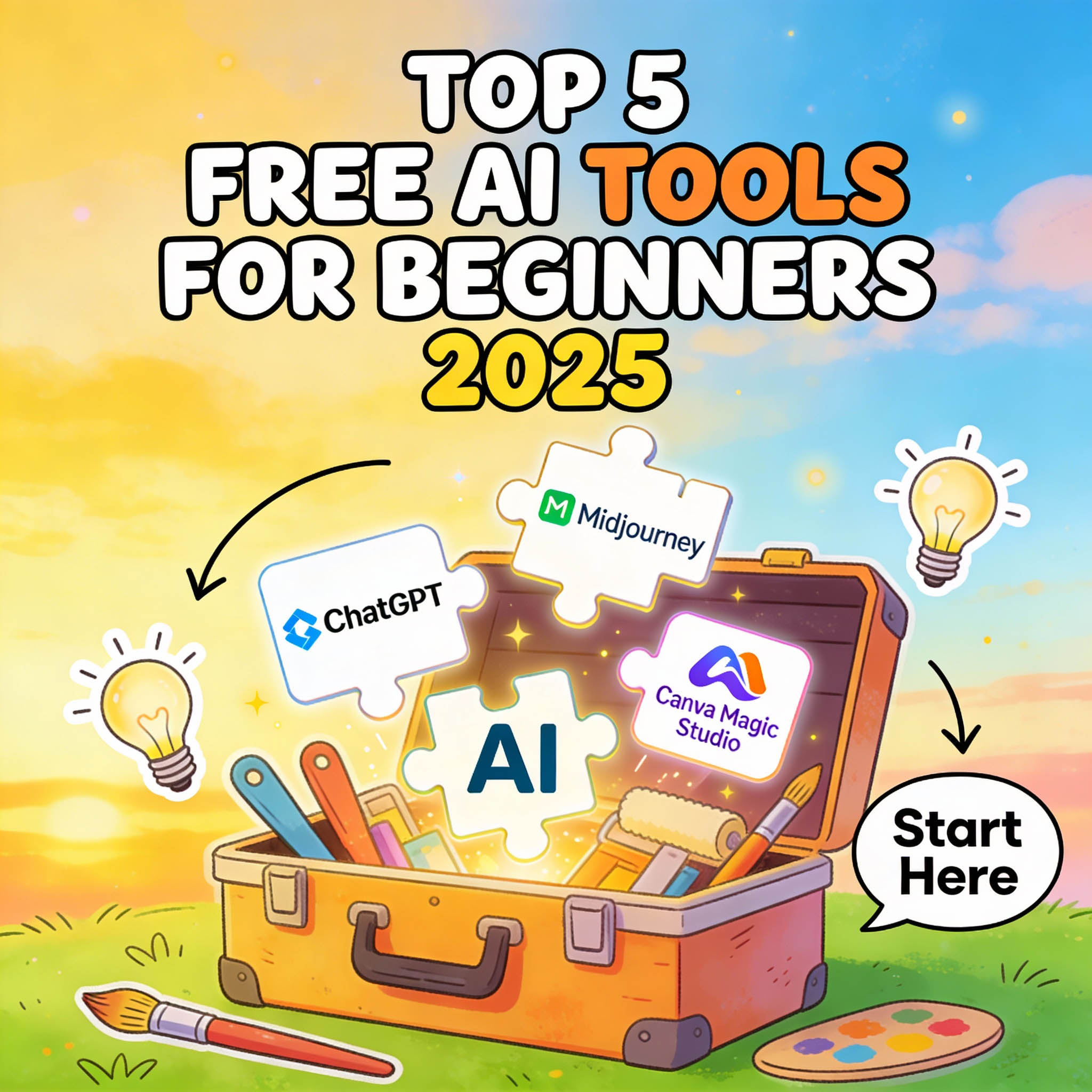
Top 5 Free AI Tools for Beginners in 2025: My Honest Picks for Effortless Creativity
As a creative who's spent the last year experimenting with AI for everything from quick sketches to blog outlines, I can tell you this: The barrier to entry has never been lower. Back in 2023, diving into AI felt like needing a PhD in coding. Fast-forward to 2025, and there are free tools so intuitive, even my non-techy friends are whipping up professional-grade content on their lunch breaks. But with hundreds of options out there, where do beginners start? I've tested dozens – the hype, the crashes, the "wow" moments – and narrowed it down to my top 5 free picks. These aren't just apps; they're gateways to unlocking ideas without the overwhelm.
Whether you're a student doodling concepts, a small business owner brainstorming logos, or just someone curious about the buzz, these tools deliver real value without a credit card. I'll break down each with what it does best, a quick how-to, pros/cons from my hands-on time, and why it's beginner-proof. No jargon – just straight talk from someone who's burned hours (and a few GPUs) getting here. Let's jump in.
1. ChatGPT (Free Tier via OpenAI)
ChatGPT isn't new, but its 2025 updates make it the ultimate "Swiss Army knife" for beginners. It's your go-to for brainstorming, writing, or even simple code snippets – all from a chat window.
Quick Start: Head to chat.openai.com, sign up with email (no phone needed for free), and type a prompt like "Give me 5 ideas for a coffee shop logo using AI art." Hit enter – responses in seconds.
Pros:
- Versatile as heck: From story ideas to email drafts, it's like having a creative sidekick.
- Free tier gives 10-20 queries/hour – plenty for casual use, with GPT-4o mini for speedy replies.
- Mobile app is seamless; voice mode feels natural for on-the-go thinking.
Cons:
- Limits kick in during peak hours (queues up to 5 mins), and it can "hallucinate" facts if not prompted well.
- No image/video gen in free – upgrade to Plus ($20/mo) for that.
Why for Beginners? It's forgiving – bad prompts still yield usable output, and the interface is as simple as texting a friend. My pick for day-one explorers.
2. Midjourney (Free Trial via Discord)
If visuals are your jam, Midjourney's text-to-image magic is addictive. It's community-driven, so you learn as you go – perfect for turning words into art without drawing a line.
Quick Start: Join the Discord server (discord.gg/midjourney), type /imagine in a newbie channel, add your prompt (e.g., "A cozy library at midnight, cyberpunk style"), and upscale your favorite variation.
Pros:
- Stunning results: Free trial gives 25 images – enough to hook you with hyper-real or whimsical styles.
- Remix feature lets you tweak outputs easily, building skills iteratively.
- Vibrant community: Channels full of tips and inspo from fellow newbies.
Cons:
- Discord-only setup feels clunky at first (no web app yet), and the trial ends quick if you're binge-generating.
- Outputs can be inconsistent – "beautiful sunset" might give you a stormy one without refined prompts.
Why for Beginners? The trial's generous for testing waters, and the "Vary Region" tool teaches iteration without frustration. Ideal if you're into AI art like me – my first "prompt party" was a game-changer.
3. Canva Magic Studio (Free with Account)
Canva's AI suite turns design noobs into pros – think auto-edits, background removal, and text-to-image, all baked into their drag-and-drop editor.
Quick Start: Sign up at canva.com (free), search "Magic Studio," upload a photo or start blank, and use tools like "Magic Design" with a prompt: "Create a social media post for a yoga retreat."
Pros:
- All-in-one: Free tier includes unlimited basics – resize, animate, and AI gen without watermarks on exports.
- Super user-friendly: No learning curve; it's like PowerPoint on steroids with AI smarts.
- Collaborative: Share edits in real-time, great for team brainstorming.
Cons:
- AI features cap at 50 uses/month on free (upgrades unlock more), and complex gens can look generic.
- Tied to Canva's templates – less "wild" creativity than dedicated tools like Midjourney.
Why for Beginners? It's the "training wheels" option – visual feedback is instant, and tutorials pop up right in-app. I use it for quick graphics; saved me hours on client mocks.
4. Microsoft Copilot (Free via Bing or Edge)
Copilot's your free AI companion for writing, coding, and even simple image gen – powered by GPT but with Microsoft's polish.
Quick Start: Go to copilot.microsoft.com or Bing.com/chat, log in with a Microsoft account (free), and prompt: "Write a 300-word blog intro on sustainable fashion, add stock image ideas."
Pros:
- No limits on free use – gen images, code, or text endlessly (with fair use).
- Integrates with Office: Draft emails in Outlook or slides in PowerPoint seamlessly.
- Balanced outputs: Less "hallucination" than some rivals, with source links for fact-checks.
Cons:
- Image gen is basic (DALL-E 3 based, but censored for safety), and it's web-heavy – mobile app lags.
- Feels corporate; humor's dialed down compared to Grok's sass.
Why for Beginners? The "creative mode" toggle makes it forgiving for wild ideas, and built-in examples guide you. Great for writers or students – my go-to for outline tweaks.
5. Leonardo AI (Free Tier with Daily Credits)
For art-focused newbies, Leonardo's a hidden gem – specializes in high-res images with styles from anime to photoreal.
Quick Start: Sign up at leonardo.ai (free), claim daily 150 credits, enter a prompt like "Futuristic cityscape with flying cars, in Studio Ghibli style," and generate/refine.
Pros:
- Daily free credits reset (enough for 20-30 images), with community models for endless variety.
- Fine-tune options: Adjust strength, elements – teaches prompt crafting organically.
- Export-ready: High-res PNGs without watermarks on free.
Cons:
- Credits burn fast on high-res; wait 24 hours or pay for more.
- Interface is busy at first – overwhelming if you're not visual-savvy.
Why for Beginners? The "Alchemy" refiner auto-fixes bad prompts, so you learn by doing. It's my secret weapon for custom avatars – quick wins build confidence.
Wrapping It Up: Start Small, Create Big
There you have it – my top 5 free AI tools for 2025 beginners, picked for their ease and impact. ChatGPT for ideas, Midjourney for visuals, Canva for polish... mix 'em, and you're a one-person studio. The key? Experiment without pressure – bad outputs are just stepping stones. These have transformed my workflow from "stuck" to "flow," and I bet they'll do the same for you.
Which one's calling your name first? Tried any? Share in the comments – let's swap tips. If you're hungry for more reviews, subscribe; next up, paid upgrades worth the splurge?