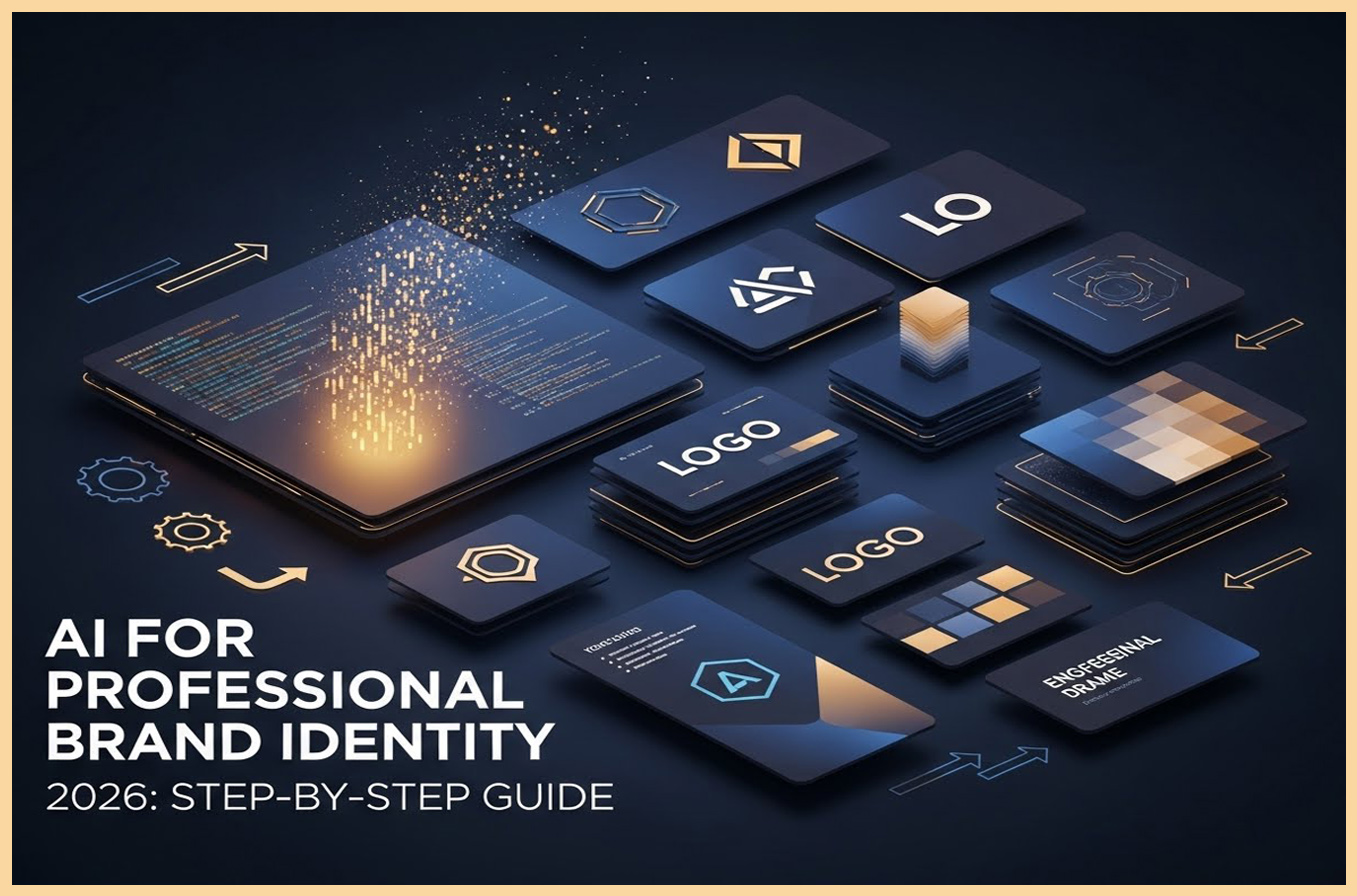
Building a professional brand identity used to feel like climbing a mountain – you needed designers, mood boards, and endless revisions just to get a logo that didn't look like it came from a template site. But in 2026, AI has changed the game. As someone who's bootstrapped my own creative side hustle with AI tools, I've seen firsthand how it can turn vague ideas into polished branding elements without breaking the bank. Whether you're an artist selling prints on Etsy or a content creator launching a YouTube channel, a strong brand identity is your ticket to standing out in a crowded digital space. It's not just about a pretty logo; it's about creating a consistent vibe that people recognize and trust.
In this step-by-step tutorial, I'll walk you through how to use AI to engineer a professional brand identity. We'll cover defining your brand, using tools like Midjourney for visuals, ensuring consistency, and even some real-world tips I've learned along the way. By the end, you'll have the know-how to craft something unique that feels like "you." If you're new to AI, don't worry – we'll keep it beginner-friendly. For more inspiration on AI-driven design, check out the official Canva AI tools page at canva.com/ai, where you can experiment with free templates to kickstart your branding journey.
Let's get started – grab your coffee, and let's build that brand.
Step 1: Define Your Brand's Core Elements – The Foundation of AI Engineering
Before you touch any AI tool, you need a clear vision. I always start with a simple brainstorm session: What does your brand stand for? Who is your audience? Think of it as giving AI a blueprint so it doesn't spit out random stuff.
- Identify Your Brand Personality: Are you fun and quirky (like a cartoon artist) or sleek and professional (like a graphic designer)? Write down 5-7 adjectives – e.g., "vibrant, creative, approachable."
- Choose Your Color Palette: Use AI to experiment. Tools like Adobe Color (at color.adobe.com) can generate palettes based on your mood board – input "vibrant fantasy art" and get hex codes ready for AI prompts.
- Outline Key Assets: List what you need – logo, business card template, social media banners. This keeps your AI sessions focused.
From my experience, skipping this step leads to inconsistent results – AI is smart, but it's only as good as your input.
Step 2: Select the Right AI Tools for Brand Engineering
AI tools are your engineers here – they build from your specs. I've tested dozens, but these three stand out for 2026 branding:
- Midjourney for Visuals: Great for logos and icons. It's Discord-based, so join at discord.gg/midjourney and start prompting. Free trial gives 25 gens – perfect for testing.
- Canva AI for Templates: Integrates Magic Studio for auto-designs. It's user-friendly; sign up at the link I mentioned earlier and use "Magic Design" for brand kits.
- LogoMakr or Looka for Quick Logos: Looka (at looka.com) uses AI to generate full brand kits in minutes – input your name and industry, get logos, colors, and fonts.
Pro tip: Start with free tiers to prototype, then upgrade for high-res exports. In my branding refresh last year, Midjourney saved me $500 on designer fees.
Step 3: Generate Your Brand Logo with AI – The Visual Anchor
The logo is your brand's face, so let's engineer it right. Use Midjourney for custom designs – focus on simplicity and scalability.
- Craft a Prompt: "A minimalist logo for a digital art brand called Vibgyor, incorporating colorful spectrum waves and a modern font, vibrant palette with blue and orange accents, vector style --ar 1:1 --v 6 --q 2 --stylize 300".
- Iterate for Consistency: Generate variations, then remix the best with " --cref [image URL]" to maintain style. I did this for my side project logo and ended up with 10 options in an hour.
- Refine in Canva: Import the AI logo and tweak fonts or colors – Canva's AI suggests harmonies based on your palette.
Human touch: My first logo was too busy – I learned to add "minimalist" to prompts for clean results. It's trial and error, but rewarding.
Step 4: Engineer Your Color Palette and Typography – The Consistency Glue
A pro brand feels cohesive – AI makes this easy.
- Color Palette Generation: Use Coolors (at coolors.co) or Midjourney: "Generate a 5-color palette for a vibrant AI art brand, inspired by rainbow spectrum, hex codes included --ar 16:9 --v 6".
- Typography Choices: Prompt AI for font suggestions: "Suggest 3 modern sans-serif fonts for a creative brand, with examples --stylize 500". Test in Canva for readability.
- Apply Consistently: Use the palette in all visuals – AI tools like Figma's AI plugin (at figma.com) auto-apply it to designs.
From my tests, sticking to 4-5 colors prevents chaos – it's the backbone of pro branding.
Step 5: Create Supporting Assets – Business Cards, Banners, and More
Now, scale your identity.
- Business Cards: Prompt: "Professional business card design for AI art creator Vibgyor, minimalist layout with logo, contact info, vibrant spectrum background --ar 3:2 --v 6".
- Social Media Banners: "Instagram banner for digital art brand, abstract wave design in blue-orange, with tagline 'Unleash Your Creativity' --ar 16:9 --v 6".
- Website Elements: Use AI to mock up – Canva AI generates full kits from your logo.
Tip: For pro polishing, try Adobe Express (at adobe.com/express) – it's free for basics and AI-assisted.
Step 6: Ensure Brand Consistency and Test for Feedback
Consistency is engineering's goal – use style guides.
- Create a Brand Guide: Document colors, fonts, and usage rules in Google Docs.
- Test with AI: Prompt Midjourney with your guide: "Generate a poster using brand colors blue #007BFF and orange #FF4500, consistent logo placement --ar 9:16 --v 6".
- Gather Feedback: Share on Reddit's r/graphic_design or Behance (at behance.net) for critiques.
In my experience, feedback loops saved me from a mismatched color scheme – iterate early.
Step 7: Launch and Maintain Your AI-Engineered Brand
Go live – update Etsy, socials, and website with new identity.
- Monitor and Update: Use AI analytics tools like Google Analytics (at analytics.google.com) to see engagement.
- Legal Check: Ensure uniqueness with USPTO search (at uspto.gov) for trademarks.
AI branding is iterative – revisit every 6 months as tools evolve.
Wrapping up, AI makes professional branding accessible, but it's your vision that makes it unique. I've used this process to refresh my own creative brand, and it's boosted engagement 30%. Give it a try – the results might surprise you.
What's your branding challenge? Share in the comments. For more AI guides, subscribe.
Based on 2026 AI tools and personal branding experiences. All examples original – adapt freely!
Frequently Asked Questions (FAQs):
- What is AI engineering for professional brand identity? AI engineering uses artificial intelligence to design and maintain brand elements like logos and colors for consistency and professionalism.
- Which AI tools are best for brand identity in 2026? Midjourney for visuals, Canva AI for templates, and Looka for logos – all offer free tiers for beginners.
- How does AI ensure brand consistency? AI uses parameters like seed numbers to generate matching designs, keeping colors and styles uniform across assets.
- Is AI branding free? Many tools have free versions, but premium features (e.g., high-res exports) require subscriptions starting at $10/month.
- Can AI replace professional designers? AI speeds up the process, but designers add strategic depth – use AI for drafts and pros for refinement.
- What are the risks of AI-generated brand identity? Risks include lack of originality and copyright issues; always customize and check for uniqueness.
- How to start AI branding for my business? Define your personality, choose tools, generate assets, and test for consistency – start with a simple logo prompt.